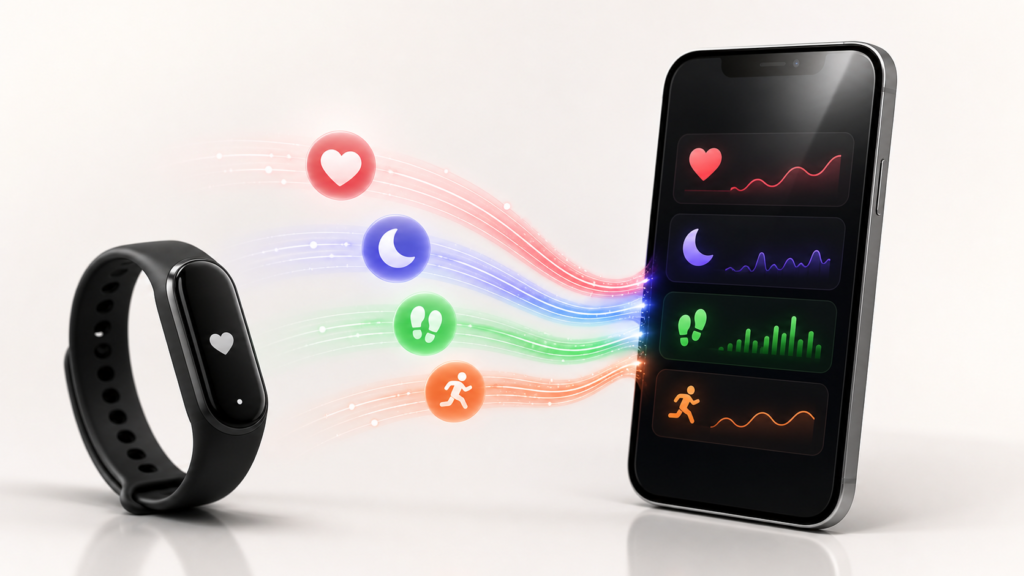
Fitbit users on iPhone finally have a direct route into Apple Health. Google Health version 5.05 can now write supported fitness and wellness data to Apple’s Health app, removing a long-standing limitation that previously pushed users toward third-party syncing utilities.
The update is especially useful for people who prefer Fitbit hardware but want Apple Health to remain the central health dashboard on their iPhone. Exercise records, sleep, vital signs, step counts and other supported information can now move from Google Health into Apple Health after the user grants permission.
What changed in Google Health 5.05?
Google Health is the iPhone app formerly known as Fitbit. Its version 5.05 release notes add a new “Sync to Apple Health” feature. Google says users can share exercise records, sleep, vitals, steps and more from Google Health to Apple Health.
Previously, the connection was largely one-way: Google’s app could read information from Apple Health, but Fitbit data collected in Google Health did not have a native path back into Apple’s system. That meant a Fitbit owner could track activity on the wearable yet still find Apple Health incomplete.
The new write capability makes the relationship much closer to a two-way connection. Apple Health can serve as a common destination for information collected by Fitbit devices and other apps, while Google Health can continue to provide Fitbit-specific trends, coaching and device management.
Which Fitbit data can sync to Apple Health?
Google’s App Store notes identify several broad categories:
- Exercise records: workouts and related activity information
- Sleep: supported sleep records collected through Google Health
- Vitals: compatible health measurements made available by the app
- Steps: daily step-count information
- Other supported data: additional categories shown during Apple Health permission setup
The exact list visible on an individual iPhone can depend on the connected Fitbit model, the information available in the user’s account and the permissions selected in Apple Health. Independent early reports also indicate that not every Fitbit metric transfers; heart-rate variability, or HRV, has been cited as one possible omission. Users should therefore check the Apple Health data categories after the first sync rather than assume every measurement has moved across.
How to connect Google Health to Apple Health
First, update the Google Health app from the App Store and confirm that version 5.05 or later is installed. Then open Google Health and look for its connections or partner-apps area. The wording can vary as Google rolls out interface changes, but the route is generally:
- Open Google Health on the iPhone.
- Open the Connections, Apps and services or Partner apps section.
- Select Apple Health.
- Choose the data categories Google Health is allowed to write.
- Approve the permissions in Apple Health.
Apple lets users control health permissions category by category. Someone may allow workouts and sleep while declining another type of data. Those settings can later be reviewed on the iPhone in the Health app under the profile and app-permissions area.
After connecting the services, record or sync fresh Fitbit data and then open Apple Health to confirm it appears. If a category is missing, check that the relevant permission is enabled and that Google Health has completed its sync with the wearable.
Why this matters for iPhone users
Apple Health is more than a display for Apple Watch data. It is a HealthKit-based repository that can combine information from compatible apps and accessories. Once supported Fitbit records reach Apple Health, other authorised HealthKit apps may be able to use that information too.
This gives iPhone owners more flexibility. A person can continue wearing a Fitbit tracker or compatible Google wearable without maintaining two entirely separate health histories. It also makes switching devices less disruptive because Apple Health can retain a broader longitudinal record on the iPhone.
The update may also reduce the need for paid third-party sync tools. Those apps have been valuable because Fitbit lacked native Apple Health export, but they add another service, another permission layer and sometimes a subscription. Google’s built-in option should be simpler for many users, although specialist utilities may still offer historical imports or categories that the native connection does not support.
Watch for duplicate steps and workouts
Connecting multiple fitness apps to Apple Health can create overlapping records. For example, an iPhone may count steps while a Fitbit records the same period, or a workout may be written by both Google Health and another connected service.
Apple Health normally keeps the original data sources and applies its own source-priority rules, but users should review the result after enabling the new connection. In the Health app, open a data category such as Steps, scroll to its data sources and access settings, and check which app or device has priority. If totals look inflated, avoid routing the same record through several sync services at once.
Privacy remains permission-based
Health information is sensitive, so the convenience of centralising it should be balanced with careful permission choices. The new feature does not require users to share every category. Apple Health presents individual read and write permissions, and access can be withdrawn later.
It is worth reviewing both sides of the connection: Google Health’s privacy controls and Apple Health’s app-access list. Only enable categories that are useful, remove old third-party sync apps if they are no longer needed, and remember that deleting an app does not necessarily delete data it has already written into Apple Health.
Google Health also adds Smart Health Links
Version 5.05 includes another notable feature called Smart Health Links. According to the App Store release notes, users can create a link to share medical records with a healthcare provider or family member. Availability and the records offered may vary by region, so this feature should be treated separately from the Fitbit-to-Apple-Health connection.
The bottom line
Google Health’s Apple Health export is a practical interoperability win. Fitbit owners no longer need to choose between their preferred wearable and a useful Apple Health history on the iPhone. The first release may not carry every metric, and users should watch for duplicate records, but native syncing of workouts, sleep, vitals and steps closes one of the biggest gaps in the Fitbit experience on iOS.
Sources: Google Health on the App Store; MacRumors; 9to5Mac.
Leave a Reply