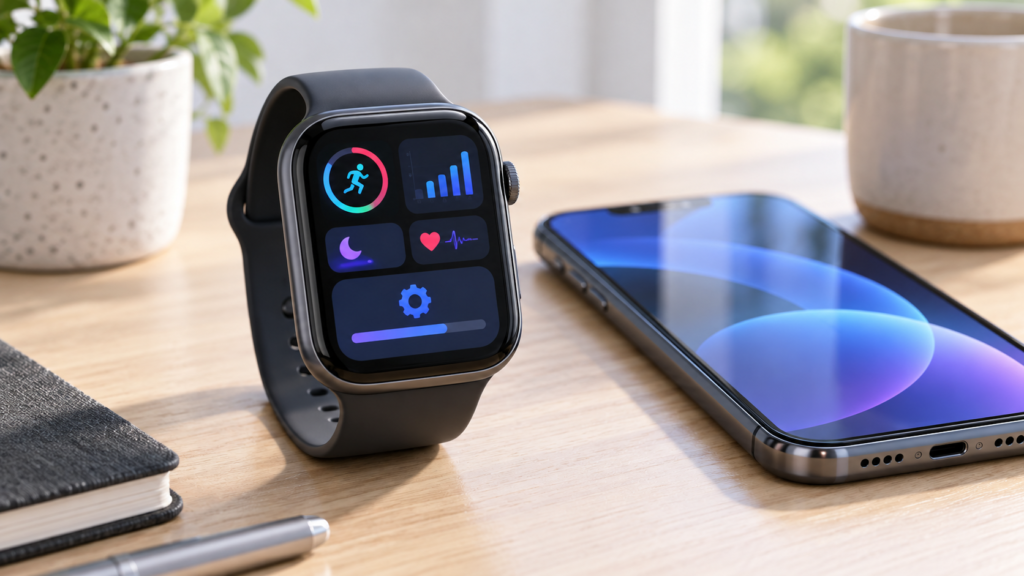
The watchOS 27 update is now available, bringing one of the biggest Apple Watch upgrades in years. Apple’s September release adds Siri AI, a more useful Smart Stack, new fitness and health tools, a redesigned app grid, and a substantial collection of security fixes.
There is an important compatibility change, however: watchOS 27 supports Apple Watch Series 9 and newer, Apple Watch Ultra 2 and newer, and Apple Watch SE 3. If your watch is eligible, here is what has changed and whether you should install the update now.
What is the watchOS 27 update?
watchOS 27 is Apple’s latest major Apple Watch operating system. It was released on 14 September 2026 alongside iOS 27, iPadOS 27 and macOS 27. It focuses on intelligence, faster access to useful information, fitness improvements and tighter integration with a compatible iPhone.
Unlike a minor bug-fix release, this update changes several everyday parts of the watch experience. Apple has refreshed the app grid, expanded Smart Stack suggestions and introduced a dedicated Siri app that can keep conversations in sync across devices.
watchOS 27 supported Apple Watch models
According to Apple’s official watchOS compatibility page, you need an iPhone 11 or later, or an iPhone SE (2nd generation or later), running iOS 27. The update supports:
- Apple Watch SE 3
- Apple Watch Series 9, Series 10, Series 11 and Series 12
- Apple Watch Ultra 2, Ultra 3 and Ultra 4
Older models do not appear on Apple’s watchOS 27 compatibility list. Owners of an unsupported watch should continue installing any security or maintenance updates Apple offers for their current watchOS version.
What’s new in the watchOS 27 update?
Siri AI comes to the wrist
The headline addition is Siri AI, powered by Apple Intelligence. Apple says it can handle more natural back-and-forth conversations, answer broader questions, understand personal context and take actions in apps. A new Siri app also collects conversations in one place, allowing a chat started on an iPhone to continue on Apple Watch.
Availability is more limited than the basic watchOS update. Apple says Apple Intelligence on Apple Watch requires Series 9 or later, Ultra 2 or later, or SE 3 paired with an Apple Intelligence-compatible iPhone. Language and regional restrictions also apply, and Siri AI is rolling out in English first.
A dynamic app grid and smarter widgets
The app grid can now highlight recently used, popular and Siri-suggested apps. The Smart Stack also surfaces more timely suggestions, such as a contact’s birthday, a parked-car location, a transit card or a sleep-alarm change before selected holidays.
On supported watches, a new one-handed tap gesture lets you select and open a Smart Stack widget by tapping your index finger and thumb together. This should make quick interactions easier while carrying a bag, exercising or holding onto public transport.
Fitness and health improvements
Workout Buddy gains progress insights for pace, distance and workout duration. Apple also says it can work without an iPhone nearby when the watch has a Wi-Fi or cellular connection, although Bluetooth headphones and a paired Apple Intelligence-enabled iPhone are still part of the feature requirements.
Indoor runs and walks should receive more accurate distance estimates through improved motion tracking. Cycle Tracking adds perimenopause and menopause support, including notifications when logged cycle patterns may suggest perimenopause. These health features are informational and are not a substitute for medical advice or diagnosis.
Useful everyday refinements
Find Devices, Find People and Find Items are brought together in a more map-focused Find My app. Call Context can surface relevant information while calling a business, while music playback should start faster. Apple also says Fitness step counts now sync with steps recorded in Health, and the watch may recommend battery optimisations.
The interface retains Apple’s Liquid Glass design but receives contrast and readability refinements. You can also create custom Wallet passes from memberships or cards that use a QR code or barcode.
Security fixes make this update important
The feature list is only part of the story. Apple’s watchOS 27 security notes list 93 CVE identifiers across components including Bluetooth, the kernel, WebKit, Siri, Shortcuts, Photos and Wi-Fi.
The addressed issues include potential arbitrary code execution through Bluetooth or malicious content, kernel-memory problems, access to sensitive data and privacy-control bypasses. Apple’s notes do not say that these specific watchOS 27 vulnerabilities were actively exploited. Even so, the breadth of the fixes is a strong reason not to delay the update unnecessarily.
Should you install watchOS 27 now?
Yes, most users with a compatible Apple Watch should update. The security fixes alone are significant, while the smarter widgets, improved fitness tracking and Find My redesign offer practical benefits even if you cannot use every Siri AI feature.
Before starting, update the paired iPhone to iOS 27, keep both devices close together, connect the iPhone to Wi-Fi and place the watch on its charger with at least 50 percent battery. Apple Watch data is normally backed up automatically to the paired iPhone, but it is sensible to confirm your iPhone has a recent backup first.
Open the Watch app on iPhone, choose General > Software Update, and follow the prompts. You can also update from the watch under Settings > General > Software Update. Allow plenty of time and do not restart either device during installation.
If your watch is essential for work, travel or health monitoring, waiting a few days for early reliability feedback can be reasonable. Everyone else should install once they have time to leave the watch charging.
Final thoughts
The watchOS 27 update combines visible upgrades with important behind-the-scenes protection. Siri AI will attract attention, but the more useful Smart Stack, fitness improvements, streamlined Find My experience and extensive security work may matter more in daily use. Check compatibility, back up your iPhone and install when you can leave both devices undisturbed.
Frequently asked questions
When was watchOS 27 released?
Apple released watchOS 27 on 14 September 2026.
Does watchOS 27 work on Apple Watch Series 8?
No. Apple’s compatibility list starts with Apple Watch Series 9. Series 8 is not listed as a supported model.
Do I need iOS 27 to install watchOS 27?
Yes. Apple says watchOS 27 requires a compatible iPhone running iOS 27.
Can every compatible watch use Siri AI?
No. Siri AI and Apple Intelligence features depend on the Apple Watch model, a paired Apple Intelligence-compatible iPhone, supported languages and regional availability.
Is watchOS 27 worth installing for security?
Yes. Apple’s security documentation lists fixes across many core components. Users with compatible devices should update promptly unless they have a specific reason to wait.
Leave a Reply