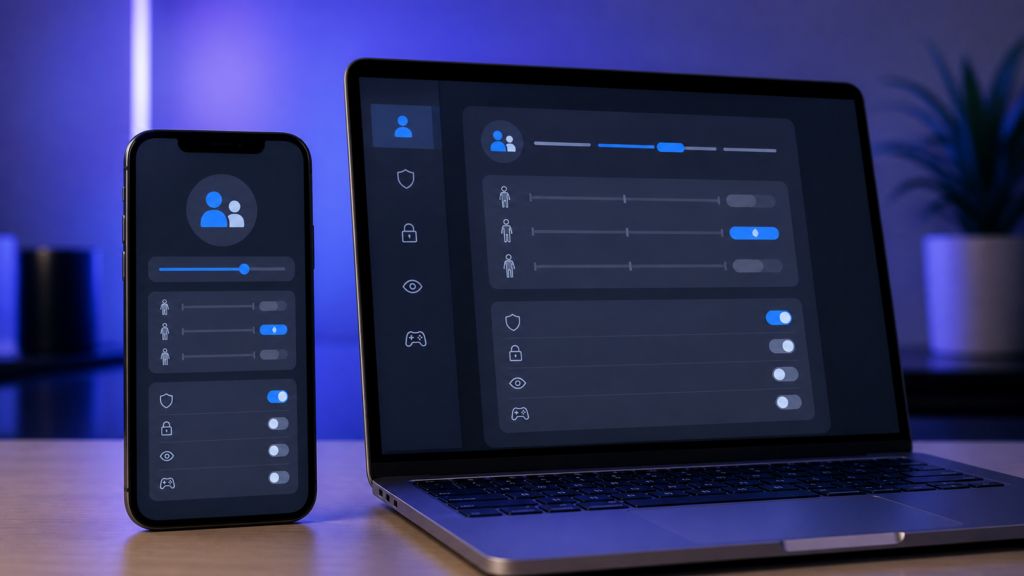
Apple’s App Store social media age rating requirement takes effect for submissions in September 2026. Developers submitting a new app, an update, or an app for notarisation for alternative distribution must say whether the software includes social media capabilities. The answer can affect the app’s rating, its App Store product page and how Apple’s new parental-control system groups it.
The questionnaire itself has been available in App Store Connect since July. September is the important point because answering the new questions is no longer optional when submitting software. Here is what developers, parents and everyday users need to know.
What is the App Store social media age rating change?
Apple defines a social media capability as the ability to redistribute, amplify or interact with user-generated content through a social feed or a similar discovery method. This definition is broader than apps officially listed in the App Store’s Social Networking category.
An app may therefore qualify even if social networking is not its main purpose. A game with a public community feed, a creative app that lets users amplify posts, or another service that visibly distributes user content to many people may need to answer yes.
Apple says apps with these capabilities will display a Social Media content descriptor on their App Store product page. Its official Time Allowances announcement also says such apps receive a minimum age rating of 13+ when their social features are generally available.
Why September 2026 matters for developers
Beginning in September 2026, a response is required when a developer submits:
- a new app or game to the App Store;
- an update to an existing app or game; or
- software for notarisation for distribution through an alternative app marketplace.
This does not mean every existing app immediately disappears on the same date. It does mean developers who have not reviewed the questionnaire could meet a submission roadblock the next time they send a build or update for review.
A practical checklist before submitting
- Audit every feature involving user-generated content, feeds, discovery, sharing and amplification.
- Review the age-rating questionnaire in App Store Connect rather than relying only on the app’s chosen category.
- Check whether social capabilities are available to users under 13.
- If those capabilities are disabled for under-13 users, confirm the age-gating implementation and use the Declared Age Range API at minimum, as Apple requires for that option.
- Review the resulting rating and product-page descriptor before submitting.
Developers should treat their answers as product and compliance information, not as a marketing choice. Apple’s broader App Review Guidelines remain relevant, especially rules covering user-generated content, safety and moderation.
How iOS 27 Time Allowances use the answer
The change supports Time Allowances in iOS 27, iPadOS 27 and macOS 27 or later. Apple describes Time Allowances as flexible parental controls that provide suggested limits based on a child’s age across categories including Entertainment, Games and Social Media. Parents can adjust those settings.
These categories are separate from the categories people browse in the App Store. For Social Media, Apple uses the capability declared in the questionnaire, not merely the app’s primary or secondary store category. That distinction helps the parental-control feature identify social experiences embedded inside apps that might otherwise be listed as games, entertainment or utilities.
If social capabilities are disabled for anyone under 13, Apple says the app will not be included in the Social Media Time Allowance category for those younger users. The app’s other questionnaire responses still determine its overall age rating, and it may remain grouped under Games or Entertainment where applicable.
What changes for parents and App Store users?
For users, the most visible change is better disclosure. A Social Media descriptor can help families understand that an app includes a feed or similar interaction even when its store category does not make that obvious.
The 13+ rating is not a guarantee that every piece of user-generated content is suitable for every teenager. Parents should still examine an app’s privacy controls, reporting tools, direct-messaging features and moderation approach. Time Allowances are a starting point, not a replacement for family decisions.
Developers also need accurate declarations because a changed rating may affect discoverability, parental approvals and whether a child account can access an app. For a broader look at Apple’s evolving developer requirements, see our guide to the Apple Developer Agreement changes.
Should developers take action now?
Yes. Any developer planning an App Store update in September should review the questions before the release deadline. Leaving the check until submission day creates avoidable risk, particularly where a team must decide whether a community feature meets Apple’s definition or must add age-range handling.
Users do not need to change a setting solely because of the questionnaire. Once iOS 27, iPadOS 27 or macOS 27 is installed on a supported device, parents can review Time Allowances and customise them for each child. As always, back up important data before installing a major operating-system update.
Final thoughts
The App Store social media age rating rule is a targeted but important change. It makes embedded social feeds more visible, gives Apple’s new parental controls better information and requires developers to examine social features before submitting an app. The safest approach is to audit early, answer accurately and test any under-13 restrictions before the next release.
FAQs
When do Apple’s social media age-rating answers become required?
Apple says responses are required beginning in September 2026 for new apps, updates and notarisation submissions for alternative distribution.
Does every app with user-generated content get a 13+ rating?
Not necessarily. Apple’s definition focuses on redistributing, amplifying or interacting with user-generated content through a social feed or similar discovery method. Developers should assess the actual features and answer the App Store Connect questionnaire accurately.
What if social features are disabled for children under 13?
Apple says the app will not be placed in the Social Media Time Allowance category for under-13 users when those capabilities are disabled for them. Developers choosing this option must use the Declared Age Range API at minimum.
Is the Time Allowance category the same as an App Store category?
No. Time Allowance categories support parental controls and are separate from the categories used to browse and discover apps in the App Store.
Where can developers answer the questions?
The questions are in the app’s age-rating questionnaire in App Store Connect. Apple provides more detail in its official age rating questionnaire notice.
Leave a Reply