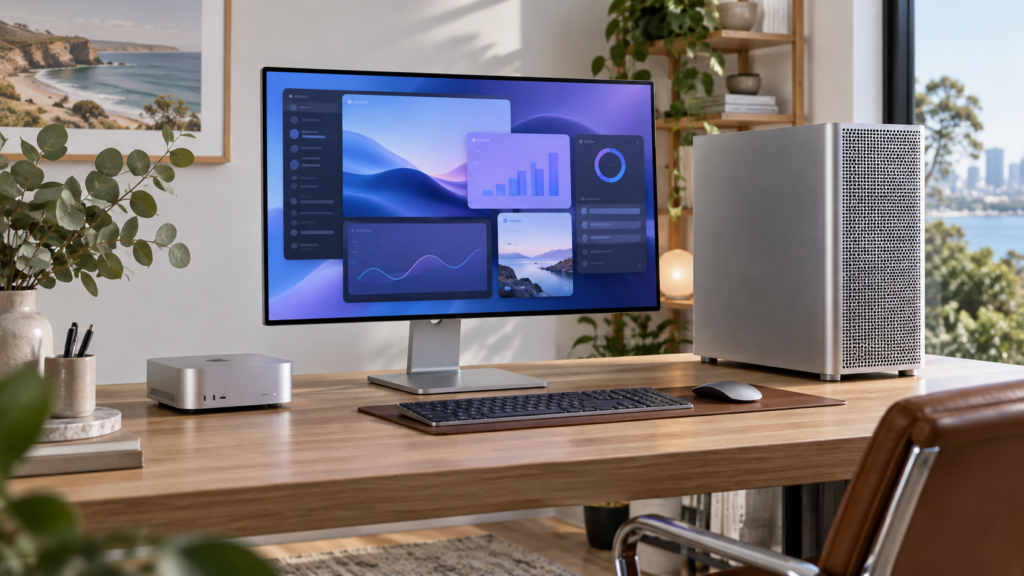
Apple’s newest desktops are now on sale, giving buyers a choice that looks simple but can become confusing once memory, storage and chip upgrades enter the picture. This Mac mini M6 vs Mac Studio M5 comparison explains the practical differences, who each model suits and where Australian buyers are likely to get the best value.
The short answer: the M6 Mac mini is the sensible choice for most homes, students and general office work. The M5 Pro Mac mini is the sweet spot for many developers and creators. Mac Studio earns its higher price when sustained GPU performance, very large unified-memory options, extensive display support or Thunderbolt 5 workflows directly affect your income.
What Apple has changed
Apple confirmed that the new Mac mini and Mac Studio became available on 22 September 2026. Mac mini now comes with either M6 or M5 Pro, while Mac Studio uses M5 Max or M5 Ultra. All four options run macOS 27 Golden Gate and support Apple Intelligence features.
For Australian buyers, Apple’s online store currently lists Mac mini from A$1,449 for M6 and A$2,699 for M5 Pro. Mac Studio starts at A$4,299 with M5 Max, while M5 Ultra starts at A$9,499. Prices can rise sharply with memory and storage upgrades, so compare the complete configuration rather than the entry price alone.
Mac mini M6 vs Mac Studio M5: key differences
| Model | Best for | Memory range | Key advantage |
|---|---|---|---|
| Mac mini M6 | Everyday work, study, light creative use | 16GB to 32GB | Lowest price and tiny footprint |
| Mac mini M5 Pro | Development, music, serious photo and video work | Up to 64GB | Strong pro performance without Studio pricing |
| Mac Studio M5 Max | 3D, motion graphics, large codebases and local AI | Up to 128GB | More GPU power, ports and display support |
| Mac Studio M5 Ultra | High-end film, VFX, research and huge local models | Up to 512GB | Maximum Mac desktop performance |
CPU, GPU and AI performance
The M6 Mac mini has a 12-core CPU and 12-core GPU, with Neural Accelerators in every GPU core. Apple says it delivers up to 40 per cent faster CPU performance and up to four times faster AI performance than the M4 configuration used in its tests. Those are Apple’s own benchmark claims, so real-world gains will vary by app and workload.
The M5 Pro mini scales to an 18-core CPU and 20-core GPU. Mac Studio begins with an 18-core CPU and up to 40-core GPU on M5 Max. M5 Ultra can reach a 36-core CPU and 80-core GPU. That extra GPU capacity matters for complex 3D scenes, effects-heavy video, scientific workloads and large local AI models; it does little for email, web browsing or ordinary documents.
Memory, ports and displays
Unified memory may be the deciding factor because it cannot be upgraded later. The M6 mini tops out at 32GB, M5 Pro at 64GB, M5 Max at 128GB and M5 Ultra at 512GB. If your current projects regularly approach your memory limit, buy enough headroom at the start.
Both new Mac mini models add Wi-Fi 7, Bluetooth 6 and 2.5Gb Ethernet, with 10Gb Ethernet optional. Mac Studio includes Thunderbolt 5 with transfers up to 120Gb/s, 10Gb Ethernet, front-facing ports and an SDXC card slot. Apple says M5 Max supports up to five displays, while M5 Ultra supports up to eight. Those capabilities can remove the need for extra docks in a professional studio.
Which Mac desktop should you buy?
Choose Mac mini M6 if…
- You mainly use browsers, Microsoft 365, video calls and everyday apps.
- You edit photos or occasional 4K video but do not render continuously.
- You want a quiet, compact desktop and already own a suitable monitor.
- Value matters more than maximum expandability.
Choose Mac mini M5 Pro if…
- You compile code, produce music or edit video professionally.
- You need more than 32GB of unified memory.
- You want a meaningful performance step up without paying for Mac Studio capabilities you may not use.
Choose Mac Studio if…
- GPU-heavy rendering, AI, VFX or video exports occupy hours of your week.
- You need 128GB or more unified memory, several displays or extensive high-speed I/O.
- Faster completion times have a measurable business value.
Pros and cons
Mac mini advantages: lower entry price, extremely small design, strong everyday performance and lower-cost access to macOS 27. Its main limitations are lower memory ceilings and less extensive connectivity than Mac Studio.
Mac Studio advantages: far greater GPU capability, substantially higher memory options, Thunderbolt 5, 10Gb Ethernet and support for more displays. The disadvantages are price and overkill: most users will not notice a benefit during routine work.
What Australian buyers should check before ordering
Add the cost of a monitor, keyboard, mouse, storage and any required dock before comparing systems. Apple’s desktops do not include a display. Also check the memory use of your heaviest project today, then allow room for future apps. External SSD storage is easy to add; unified memory is not.
If upgrading from an older Intel Mac or an early Apple-silicon model, confirm plug-in, audio interface and specialist software compatibility first. Apple’s Mac mini and Mac Studio pages provide current Australian configurations and specifications.
Final thoughts
In the Mac mini M6 vs Mac Studio M5 decision, buy for the work you actually do—not the largest benchmark number. Mac mini M6 is the best-value desktop for most people, while M5 Pro offers an excellent creator and developer middle ground. Mac Studio is the right tool when its extra memory, GPU performance and connectivity will be used consistently.
Frequently asked questions
Is the M6 Mac mini fast enough for video editing?
Yes, it should comfortably handle everyday and lighter professional editing, including many 4K projects. Frequent multicamera work, complex effects or long exports may justify M5 Pro or Mac Studio.
Can I upgrade the memory later?
No. Unified memory is part of the Apple silicon package and must be selected when ordering. External storage can be added later, but memory cannot.
Does Mac Studio include a monitor?
No. Mac Studio and Mac mini are desktop computers sold without a display, keyboard or mouse, so include those items in your total budget.
Is Mac Studio better for Apple Intelligence?
Both families support Apple Intelligence. Mac Studio’s larger memory and stronger GPU can be valuable for demanding third-party local AI models, but ordinary Apple Intelligence features do not require a Studio.
Should an M4 Mac mini owner upgrade?
Not automatically. Apple claims large gains in selected AI workloads, but owners satisfied with current speed should wait unless a specific M6 feature or performance bottleneck justifies the cost.
Leave a Reply