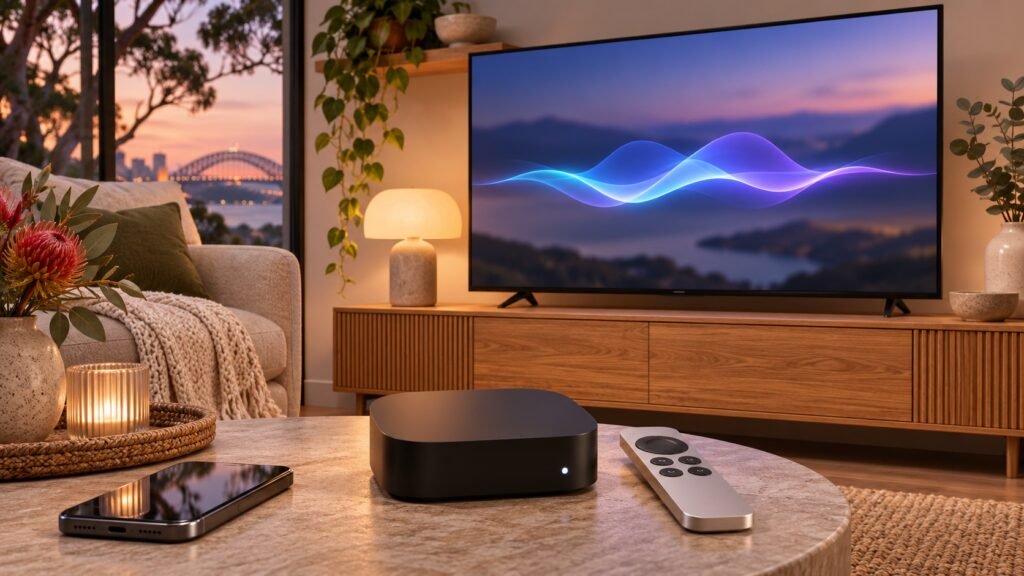
tvOS 27.2.1 is a worthwhile update for Apple TV 4K owners: it brings Siri AI to supported older boxes, closes security gaps and adds a home theatre option for the newest model. Apple released it on November 13, 2026, listing build 24K157 in its developer release notice.
The crucial distinction is that installing the update and using every new feature are different things. Siri AI needs a compatible paired device, while four-speaker HomePod audio has stricter hardware requirements. Here is what to check before updating.
What changes in tvOS 27.2.1?
According to Apple’s official tvOS release notes, the update adds a more conversational Siri AI experience, bug fixes and security updates. It also introduces four-HomePod home theatre support on Apple TV 4K (4th generation).
MacRumors reports that the second- and third-generation Apple TV 4K gain Siri AI through this release. That makes the update useful even if you are keeping an older streaming box rather than buying the latest hardware.
The software release is public, but Siri AI itself remains a beta feature. You do not need to install a tvOS developer beta to get this update.
Which Apple TV models and paired devices qualify?
Apple’s security advisory lists Apple TV 4K (2nd generation and later). Its Siri support page gives the same Apple TV hardware requirement for Siri AI with tvOS 27.2.1.
For the new assistant, also check these conditions:
- A paired device must already be using Siri AI and remain nearby.
- The Apple TV device language and Siri language must be English.
- Your Apple Account must be in an eligible region.
- You need an Apple Intelligence-enabled iPhone or iPad for setup.
Apple’s Siri AI requirements identify compatible iPhones and iPads, including iPhone 15 Pro models, the iPhone 16 family and later supported models, and qualifying Apple silicon iPads. Do not assume every recent iPhone supports Apple Intelligence.
The original Apple TV 4K and Apple TV HD are outside the listed requirements for this release. An Apple TV app built into a smart television is not an Apple TV 4K box and does not receive tvOS updates.
What can Siri AI do on Apple TV?
Search that understands more than a title
Apple describes richer, full-screen search in the Apple TV app and more conversational requests. Personal context can draw on your Apple Intelligence-enabled iPhone to help find something previously recommended in a message.
That is the practical appeal: less remembering an exact programme name, and more describing what you want. It does not mean every streaming app exposes identical information or that paid content becomes free.
Questions about what you are watching
The release notes also describe on-screen awareness and broader general knowledge. For example, you can ask about the next season of the show currently playing. Treat AI-generated answers as assistance, not a guarantee that schedules or other changing information are correct.
Apple says you can enable Siri AI in Settings > General. It can be turned off, and you can choose the previous Siri experience. If the paired device is not using Siri AI, Apple TV falls back to the earlier assistant.
Four HomePods: useful, but not for every Apple TV
The HomePod surround sound upgrade requires Apple TV 4K (4th generation). Updating a second- or third-generation box does not add this capability.
Apple specifies matching front and rear pairs of HomePod mini 2 or HomePod (2nd generation). Its release notes describe both surround sound and Whole Room Audio, which distributes sound across all four speakers.
Before buying extra speakers, check your exact Apple TV generation and speaker compatibility. Siri AI support alone is not evidence that a box supports four-speaker audio.
Security fixes make this more than a feature update
Apple documents fixes involving AirPlay, App Intents, Bluetooth, brotli, CoreUtils and rapportd. The disclosed risks include unauthorised access to sensitive data, memory corruption, and weaknesses in pairing checks or limits on pairing-code attempts.
Some issues require an attacker within Bluetooth range or on the same network; they are not all internet-based attacks. Apple’s advisory does not state that these vulnerabilities have been actively exploited. Nevertheless, the fixes are a good reason to install the Apple TV security update even if you do not want Siri AI.
How to update Apple TV safely
- Open Settings > System > Software Updates.
- Select Update Software.
- If offered, choose Download and Install.
- Keep the box connected to its network and plugged into power throughout installation and restarts.
These steps follow Apple’s update instructions. You can enable Automatically Update in the same menu. If the update appears stuck while preparing or applying for more than an hour, Apple advises contacting Support before restarting or unplugging it.
If you also need to update the paired iPhone, back it up first; our iOS 27.2.1 update guide covers that separate release. For another recent viewing feature, see our Apple TV sign language guide.
Should you update? Final thoughts
Yes, supported Apple TV 4K owners should plan to install tvOS 27.2.1 for its security fixes. Siri AI is an optional bonus, not a reason to replace otherwise suitable hardware immediately. Australian users should check the English-language and account-region requirements on their own setup before assuming the assistant will appear.
FAQs
Is tvOS 27.2.1 a developer beta?
No. It is a public software update released on November 13. Siri AI is labelled beta within that public release.
Can older Apple TV 4K models use Siri AI?
Second-generation and later models qualify, subject to the paired-device, language and region requirements. The first-generation box is not listed.
Will Siri AI work without a compatible paired device?
No. Apple requires a nearby Siri AI-enabled paired device. Without that, Apple TV uses the previous Siri experience.
Does every supported Apple TV get four-HomePod audio?
No. That feature requires the fourth-generation Apple TV 4K and the supported matching speaker pairs.