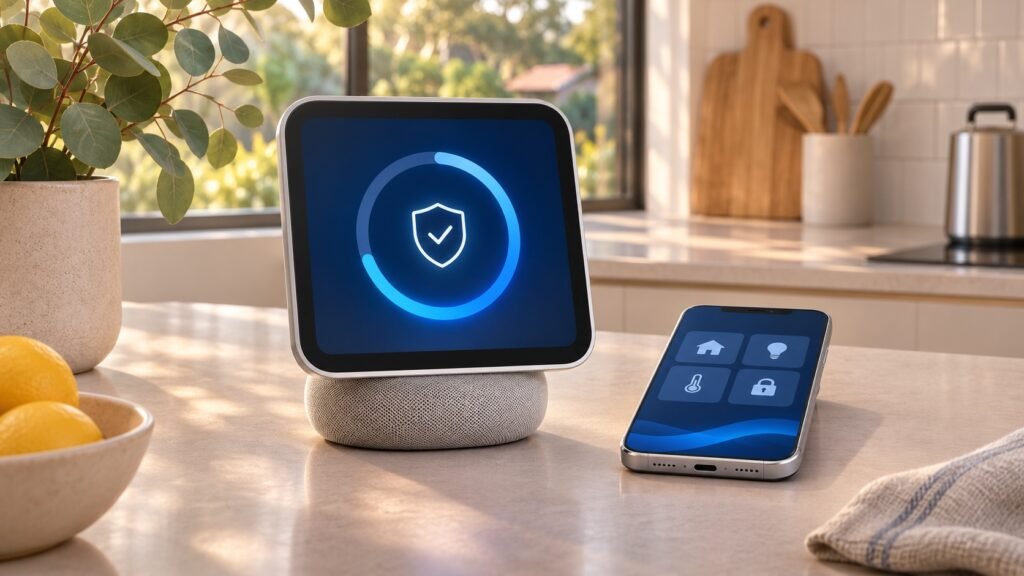
HomeView Software 27.2 is the first update new owners should pay attention to as Apple’s smart-home display launches in Australia on 13 November 2026. Apple’s latest release is more than a setup formality: it addresses security issues involving AirPlay, Bluetooth, Messages and access to sensitive information.
There is an important distinction, however. This launch-day security update is not the separate Siri AI fix Apple has reportedly promised for December. Here is what is available now, how to approach setup, and what Australian buyers should know before relying on their new home hub.
What is new in HomeView Software 27.2?
Apple’s developer release list identifies the latest HomeView Software 27.2 release as build 24V526, dated 12 November 2026. Apple’s official security advisory confirms the affected device is Apple HomeView.
According to MacRumors’ launch-day update report, this is the second 27.2 build, and units ship with older HomeView Software 26.5. Apple’s own setup instructions confirm that owners must start a required software update while configuring the device.
The practical takeaway is simple: leave time for updating before planning your first FaceTime call, setting up household profiles or demonstrating smart-home controls.
Which security problems does the update fix?
Apple’s advisory describes several different weaknesses. They do not all have the same conditions or consequences, so it is worth separating them rather than treating every entry as an identical threat.
AirPlay, Bluetooth and nearby connections
The AirPlay fix addresses a problem that could let an attacker within Bluetooth range bypass the limit on pairing-code attempts. A separate Bluetooth vulnerability could allow an attacker nearby to corrupt process memory.
Apple also lists CoreUtils fixes involving unauthorised pairing, including a scenario where a malicious Bluetooth device could establish a pairing without user interaction. Another fix, in rapportd, addresses AirPlay pairing-code limits for an attacker on the same network. These descriptions make proximity and network access relevant to the particular issue.
Messages and sensitive user information
Two Messages fixes concern group-chat privacy. One addresses a remote attacker potentially joining an iMessage group and receiving its messages. Another prevents a newly added participant from accessing messages sent before they joined.
An App Intents fix addresses an authorisation issue that could allow an app to access sensitive user data. Apple also patches a memory-corruption problem involving maliciously crafted input in the brotli component.
These are documented security fixes, not merely interface changes. Installing the update is sensible even if your household intends to use HomeView mainly for music, timers and weather.
How to install the update during setup
Follow Apple’s HomeView setup guide rather than assuming the process is identical to updating an iPad. The update is part of the initial configuration flow.
- Prepare your personal iPhone or iPad. Install the latest available software and back up that device before updating it. Apple’s Australian store lists iOS 27.2 or later, or iPadOS 27.2 or later, for HomeView compatibility.
- Check your Home app permissions. For an existing home, Apple says the person performing setup must be the Resident (Owner). Sign in to your Apple Account, enable Bluetooth and connect to Wi-Fi.
- Connect HomeView to suitable power. Use the included cable and adaptor for the tabletop model. The wall-mounted version needs a compatible, separately purchased mounting and power solution.
- Bring your unlocked device in front of HomeView. Tap Set Up when prompted, then follow the pairing and room-selection instructions.
- Start the required software update. Keep HomeView plugged in throughout the process. Continue the remaining setup steps once the update finishes.
Apple notes that configuration times vary, so avoid promising a particular download time. If the setup card does not appear, its guide recommends locking and unlocking your iPhone or iPad, checking compatibility and installing available updates.
What this update does not fix yet
Do not confuse the security release with a promised expansion of Siri AI’s control over security accessories.
MacRumors reports that Apple told reviewer Joanna Stern a December update would address Siri issues, including voice control for unlocking supported doors and opening garage doors after recognising a user. In the meantime, Apple said recognised users could operate those accessories using onscreen controls in HomeView’s Home app.
The December timing is a reported commitment, not a feature delivered by build 24V526. Do not buy the device on the assumption that every advertised or anticipated Siri workflow already works. For wider context, see our explainer on Siri AI app integrations.
What Australian buyers should check
Apple’s Australian launch announcement lists availability from 13 November and an RRP of A$449 including GST for both HomeView models. Wall-mount accessories cost extra.
HomeView’s Australian Siri AI support is in English. Personal-context features also require a paired Apple Intelligence-enabled iPhone or iPad, so basic device compatibility does not mean every personalised AI feature will work with every handset.
This update is for HomeView itself; it does not replace updates on your phone or tablet. Our iOS 27.2.1 security guide covers the separate iPhone and iPad release.
Should you update? Final thoughts
Yes—complete the required HomeView Software 27.2 update during setup and keep the device powered until it finishes. The documented privacy and connectivity fixes make it worthwhile. Then test the features you actually need, particularly security-accessory controls, rather than assuming December’s promised Siri improvements are already included.
FAQs
What is the latest HomeView Software 27.2 build?
Apple’s developer release list identifies build 24V526, released on 12 November 2026.
Is the HomeView update required during initial setup?
Yes. Apple’s setup guide directs owners to start a required software update and finish configuration after it completes.
Does 27.2 include the promised December Siri fix?
No. The security update and the reported December Siri improvements are separate releases.
Does updating HomeView also update my iPhone?
No. HomeView and your paired iPhone or iPad have separate software updates. Keep each device current.
Leave a Reply