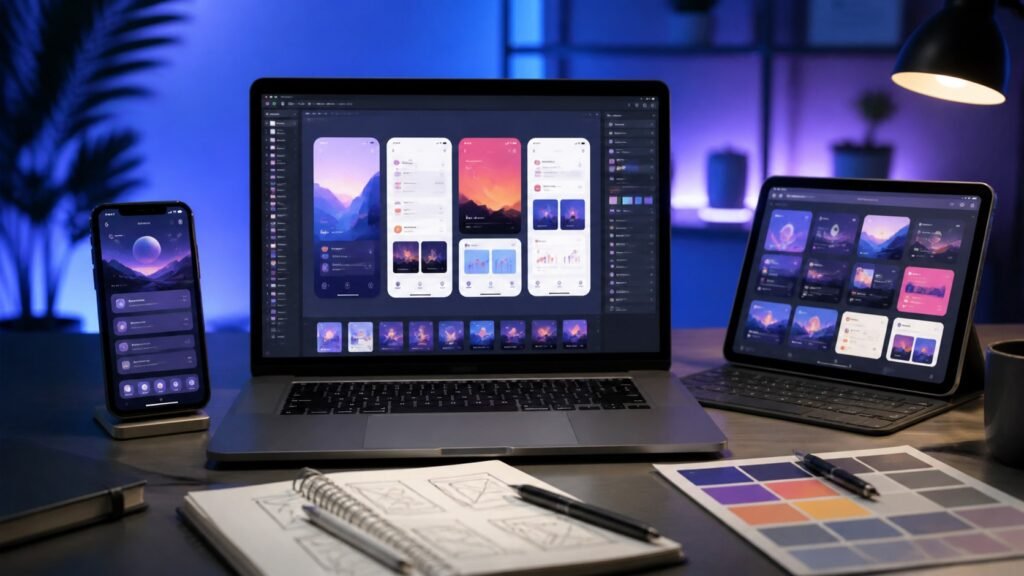
App Store creative assets are set to change how apps and games look when people browse on iPhone and iPad. Apple has now published detailed preparation guidance and design resources ahead of the feature’s rollout with iOS 27 and iPadOS 27 later in 2026.
For developers, this is more than another screenshot format. Rich images and videos can appear near the top of a product page, in search results and in featuring placements. For users, it should mean a more visual App Store—but also more marketing material to evaluate before tapping Get.
What are App Store creative assets?
Creative assets are promotional images and videos that complement—not replace—an app’s screenshots and preview videos. Traditional screenshots are meant to show the app or game in use. Apple says the new assets can instead communicate a brand, seasonal promotion, new content or the broader experience around an app.
Apple first outlined the capability at WWDC26 and followed up on August 5 with new preparation guidance and downloadable templates. The company says the assets will appear across the App Store on iOS 27 and iPadOS 27 and later.
Where the new visuals can appear
The same campaign can reach several important App Store surfaces:
- Product page headers: a rich visual can introduce an app before visitors reach its regular description and screenshots.
- Search results: developers can use an image or video to make the app’s purpose easier to understand while people browse.
- Custom product pages: different creative treatments can support particular audiences, features or campaigns.
- In-App Events and featuring: assets can highlight fresh content, updates and time-limited experiences.
- Apple Ads: approved visuals can support campaigns in Search and on the Today tab.
If a developer does not supply a search-result creative asset, Apple says existing In-App Events, app previews and screenshots can still appear. That makes adoption optional rather than an immediate requirement for every listing.
Apple’s rules for App Store creative assets
Apple’s asset best-practices page stresses accuracy and clarity. Artwork must relate to the app’s real functionality, even when it shows more than a literal interface screen.
Keep claims accurate and evergreen
Apple tells developers not to place specific prices, discounts, website addresses or copyright symbols in these assets. Unverifiable awards and claims are also out. References to rival platforms or marketplaces are prohibited, as are self-applied Apple distinctions such as “App of the Day” or “Apple Design Award winner.”
These limits should reduce stale or misleading promotions. They also help one asset work across regions where prices, offers and legal details differ.
Design for a global audience
Developers are encouraged to use inclusive imagery, avoid clutter and focus on one clear idea. Assets can be localised for different countries and languages. Apple also recommends planning for different devices and display contexts rather than assuming one composition will look right everywhere.
A universal asset can be used for both the header and search-result placement, which may help smaller teams control production costs while maintaining a consistent visual identity.
Asset Library should simplify App Store Connect
A central Asset Library in App Store Connect will hold creative assets, screenshots and app preview videos. Developers can reuse approved material across custom product pages and In-App Events instead of uploading duplicate files for every campaign.
Apple also plans a product-page preview tool. Teams will be able to inspect how their listing looks on iPhone and iPad, in portrait or landscape, in Dark Mode and across localisations before publishing. That preview step could catch cropped text, weak contrast and inconsistent layouts earlier.
Importantly, Apple says developers can submit visual assets for App Review independently of an app update. Seasonal artwork or a new marketing campaign therefore should not require shipping a fresh app binary.
Why this matters for developers and ASO
App Store optimisation has traditionally centred on an icon, title, subtitle, keywords, screenshots and preview videos. Creative assets introduce another high-visibility layer. A strong header can communicate what an unfamiliar app does quickly, while a search-result visual may improve the quality of a user’s decision before opening the product page.
These visuals also work with custom product pages and product page optimisation, allowing developers to test which presentation resonates. Teams preparing for iOS 27 should treat the artwork as product communication, not just advertising: the image needs to match what users will actually experience after download.
Developers working with Apple’s latest tools may also want our guide to Xcode 27 beta 5 and TestFlight support. For another recent App Store policy change, see our explanation of updated App Store age ratings in South Korea.
What changes for iPhone and iPad users?
Users should expect more editorial-style imagery in App Store search and product pages after moving to iOS 27 or iPadOS 27. The benefit is faster visual discovery: a well-designed asset may explain a game’s world, an app’s main purpose or a major update at a glance.
The trade-off is that listings may feel more promotional. Screenshots remain the better place to verify the real interface. Before downloading, users should still check the description, privacy details, recent reviews, in-app purchases and developer identity rather than relying on a polished header alone.
What developers should do now
- Audit the current product page and identify one clear message for new visitors.
- Read Apple’s metadata rules and advertising policies before production begins.
- Download Apple’s Figma, Photoshop or Pixelmator templates.
- Create uncluttered artwork that accurately reflects the app or game.
- Plan localisation and test layouts across devices, orientations and Dark Mode.
- Leave enough review time before seasonal launches or paid campaigns.
There is no need to rush low-quality artwork simply to fill the new placement. Developers without a suitable asset can continue using their established screenshots and previews while testing a stronger concept.
Final thoughts
App Store creative assets give developers more room to explain and market their work, while Asset Library and independent review should make campaigns easier to manage. Their value will depend on disciplined execution: accurate, simple visuals can improve discovery, but generic advertising will add little. Preparing now gives teams time to test assets before the iOS 27 and iPadOS 27 rollout.
FAQs
When will App Store creative assets be available?
Apple says they will appear across the App Store in iOS 27 and iPadOS 27 and later, with the broader launch planned for fall 2026.
Do creative assets replace screenshots?
No. They complement app screenshots and preview videos. Screenshots remain important for showing the actual interface or gameplay.
Can developers use creative assets in search results?
Yes. Apple lists search results, product page headers, custom product pages, featuring placements and Apple Ads among the supported uses.
Can assets be submitted without an app update?
Yes. Apple says visual assets can go through App Review independently of a new app binary, which is useful for seasonal campaigns.
Are prices and discounts allowed inside the artwork?
No. Apple’s guidance says not to include specific pricing, discounts or website URLs, helping assets remain accurate across markets and over time.
Leave a Reply