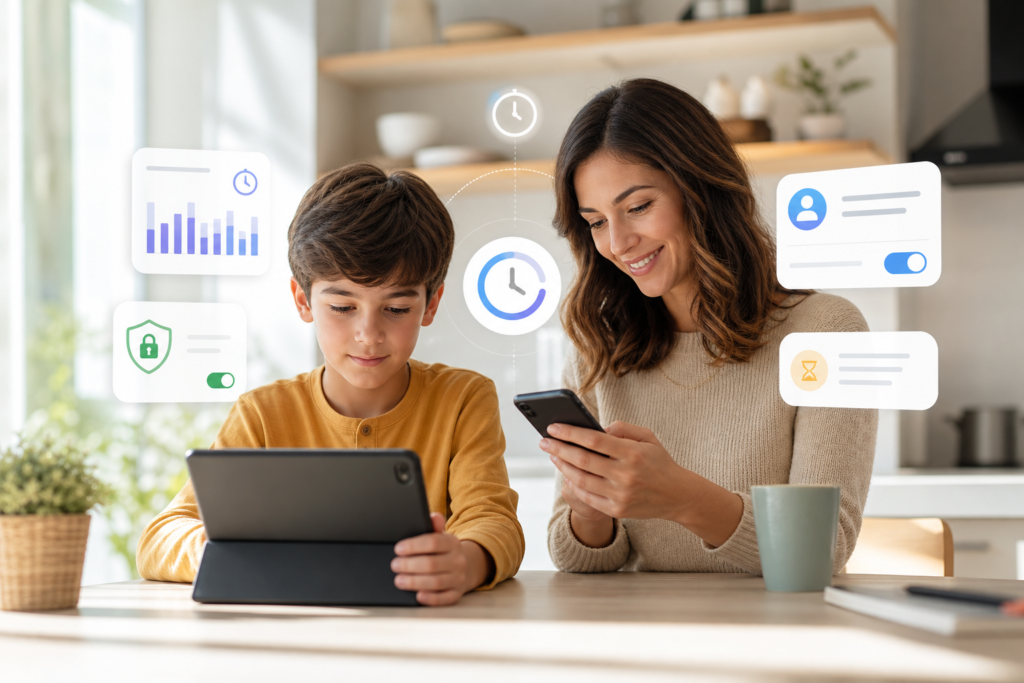
iOS 27 Time Allowances: What Parents Need to Know
iOS 27 Time Allowances is one of the most practical family-focused changes Apple has previewed for its next major software cycle. Announced as part of Apple’s wider child safety and Screen Time improvements for iOS 27, iPadOS 27 and macOS 27, the feature is designed to help parents manage how much time children spend in broad app categories such as games, entertainment and social media.
For everyday iPhone and iPad users, this is not just a small settings tweak. Apple is trying to make parental controls easier to set up, easier to adjust, and more flexible for real family life. A child might need extra time for a school project, a long trip, or a weekend reward. Time Allowances should make those exceptions easier without forcing parents to rebuild their entire Screen Time setup.
What is iOS 27 Time Allowances?
iOS 27 Time Allowances is a new Screen Time tool that lets parents manage app category time in a more flexible way. Apple says the feature will work across iOS 27, iPadOS 27 and macOS 27, meaning families with iPhones, iPads and Macs should get a more consistent set of controls.
The key idea is simple: instead of only relying on strict app-by-app limits, parents can apply time budgets to categories such as Entertainment, Games and Social Media. Apple says the suggested limits are based on expert research and can be tailored to a child’s age. That should make setup less confusing for parents who want sensible defaults but still need room to personalise limits.
Why it matters for Apple users
Screen Time has been useful for years, but many families find it too rigid. Children often need exceptions, and parents may want different limits during school days, holidays, or family travel. The new Time Allowances approach should make Apple Screen Time feel less like a lock switch and more like a daily family management tool.
It also arrives at a time when governments, schools and parents are paying closer attention to children’s online safety. Apple’s wider child safety update includes more controls around web browsing, communication, age-appropriate app experiences and sensitive content. That makes Time Allowances part of a bigger shift rather than a standalone feature.
Key iOS 27 parental controls announced by Apple
Time budgets for app categories
Parents will be able to manage time for categories like games, entertainment and social media. This could be more practical than setting limits on every individual app, especially when children install new apps or move between different services.
More flexible Screen Time changes
Reports from Apple-focused outlets indicate that parents will be able to make quicker temporary changes in Screen Time, such as allowing extra access for a set period. That should help with common situations where a child needs more time without permanently weakening limits.
Ask to Browse and safer web access
Apple has also previewed Ask to Browse, a Safari-related approval feature that can let parents review web access requests. Combined with Screen Time, this may help families manage both app usage and web browsing more clearly.
Expanded communication and content protections
Apple says developers will have access to tools such as SensitiveContentAnalysis, PermissionKit and the Declared Age Range API. In plain English, these tools are intended to help apps respond more appropriately to younger users while protecting privacy, including by sharing an age range rather than a child’s exact birthday.
How this affects iPhone, iPad and Mac users
If your household uses Family Sharing, the most important change is likely consistency. A child may use an iPhone after school, an iPad for games, and a Mac for homework. With Time Allowances coming to iOS 27, iPadOS 27 and macOS 27, parents should have a clearer way to manage limits across devices instead of treating each device as a separate problem.
For Australian families, this may be especially useful during school terms and holidays, when screen routines often change. A flexible category-based allowance can make it easier to create weekday limits, relax them during travel, and still keep boundaries around high-distraction categories.
If you are also following Apple’s broader software changes, see our guide on whether the iOS 27 Developer Beta: Should You Install It? is worth installing, and our explainer on Apple Intelligence Supported Devices in iOS 27.
Should parents take action now?
Most users should wait for the public release rather than installing developer beta software on a child’s main device. Beta versions can include bugs, battery drain, app compatibility issues and unfinished features. If you do test iOS 27 early, use a spare device and back it up first.
Before the final release, parents can prepare by reviewing current Screen Time settings, checking Family Sharing members, removing old child account approvals, and talking with children about reasonable screen-time expectations. The best parental controls work better when they support clear family rules rather than replacing them.
Confirmed news vs rumours
The existence of Apple’s new child safety features, including Screen Time updates for iOS 27, iPadOS 27 and macOS 27, is confirmed by Apple’s official announcements. Some details about the final interface, exact regional availability and how every setting will appear may change before the public release. Treat early hands-on reports as useful previews, not final documentation.
Final thoughts
iOS 27 Time Allowances looks like a sensible upgrade for families who already use Apple Screen Time but want more flexibility. It should make daily limits easier to understand, easier to adjust and more consistent across iPhone, iPad and Mac. The feature will matter most to parents who want practical controls without turning every exception into a settings chore.
FAQs
What is iOS 27 Time Allowances?
It is a new Apple Screen Time feature that lets parents manage time budgets for app categories such as games, entertainment and social media.
Which devices will support Time Allowances?
Apple says the new Screen Time update is coming with iOS 27, iPadOS 27 and macOS 27, so it is expected to cover compatible iPhones, iPads and Macs.
Should I install the iOS 27 beta for parental controls?
Most families should wait for the public release. Beta software can be unstable, so only test it on a spare device after making a backup.
Is Time Allowances the same as existing app limits?
No. Existing app limits are still useful, but Time Allowances appears focused on more flexible category-based management and temporary adjustments.
Where can I read Apple’s official information?
You can read Apple’s announcement on new child safety features and the Apple Developer note on Time Allowances.
Sources: Apple Newsroom, Apple Developer, MacRumors, 9to5Mac.
Leave a Reply