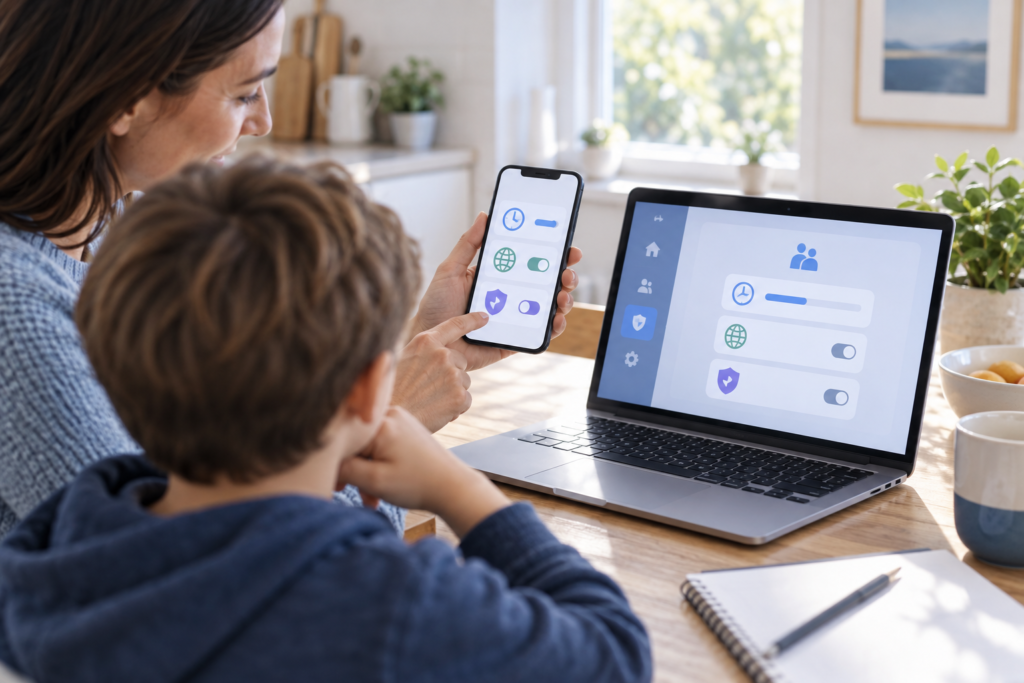
iOS 27 parental controls are now available, giving families more practical ways to decide which apps, websites and contacts a child can access. Released on 14 September 2026 alongside iPadOS 27 and macOS 27, the update adds Ask to Browse, category-based Time Allowances, stronger Communication Safety protections and a redesigned Screen Time experience.
The changes are useful because they focus less on a single daily limit and more on the situations parents actually manage: a new website, a new contact, gaming time or access during school and bedtime. Here is what changed, how the controls work and what families should do before switching them on.
What changed in iOS 27 parental controls?
Apple has introduced a simpler child-account setup flow that lets a parent choose the system apps available from the beginning. Families can start with essential apps, use Apple’s recommended selection or choose apps individually, then add more through Ask to Buy over time.
The broader update applies across iOS 27, iPadOS 27 and macOS 27. Apple says every device in a Family Sharing group should be updated to the latest generation of Apple software—including watchOS 27 and visionOS 27 where applicable—to use the updated Screen Time system consistently.
If you have not installed the release yet, read our iOS 27 release and update guide first. Back up the device before a major upgrade, connect it to power and make sure there is enough free storage.
Why these changes matter for families
Older parental-control systems can become difficult to maintain when they rely on many separate app limits. Apple’s new approach groups common activities and gives parents quicker controls for temporary changes. That should make it easier to set a routine while still allowing exceptions for travel, schoolwork or family time.
The update also puts more emphasis on guided decisions. Parents remain in control, but Apple provides age-tailored starting points developed with clinical and child-development input. These are recommendations rather than fixed rules, so every family can adjust them.
Five key child-safety features in iOS 27
1. Ask to Browse for Safari
Ask to Browse can require a child to request permission before opening a website that has not already been approved. The request appears in Messages, where a parent can review the site and decide whether to allow it. This is more flexible than blocking the whole web while providing a clear approval step for unfamiliar sites.
2. Time Allowances by app category
Time Allowances let parents set a total daily allowance for categories such as Social Media, Entertainment and Games. Instead of giving every app its own timer, a family can decide how much time is appropriate for a type of activity. Apple supplies age-based guidance as a starting point, but parents can change it.
3. Schedules for different parts of the day
Schedules control which apps are available at different times or on different days. A parent could make learning and communication apps available during homework time, reduce entertainment access at bedtime, and use a different plan on weekends.
4. Expanded Communication Safety
Communication Safety already helped detect and blur nudity in supported communication experiences. In iOS 27, it can also intervene before a child sees gore or violent content in shared images and videos, including supported live FaceTime interactions. Apple says the protections are designed to help children pause and make a safer choice.
5. A clearer Screen Time dashboard
The redesigned Screen Time view shows average usage and frequently used apps at a glance. One-tap controls allow a parent to adjust access temporarily, which is helpful when a child needs more time for a task or when access needs to be paused immediately.
How this affects iPhone, iPad and Mac users
For families with several Apple devices, the biggest benefit is consistency. A child may use an iPhone away from home, an iPad for school and a Mac for homework; the refreshed Family Sharing and Screen Time architecture is intended to keep decisions synchronised across those products.
However, availability can vary by region, language and model. The child-safety tools do not necessarily require the hardware needed for Apple Intelligence, but the device must support the relevant operating-system release. In Australia, check each family device under Settings > General > Software Update on iPhone or iPad, or System Settings > General > Software Update on Mac.
Parents should also revisit App Store age ratings. Apple has updated its age-rating system, and those labels can work alongside Screen Time content restrictions. Our guide to the September App Store age-rating rules explains the related changes.
Should families update now?
For most compatible family devices, updating is sensible if you want these controls and can install the release across the whole Family Sharing group. Start with a current iCloud or computer backup, then update the parent’s device and each child device. After installation, review Screen Time rather than assuming previous settings transferred exactly as intended.
Test Ask to Browse with a harmless website, check each Schedule and confirm that essential communication, school and transport apps remain available. Parental controls are a useful layer, not a replacement for conversations about scams, privacy, harmful content and when to ask an adult for help.
Apple’s child-safety announcement focuses on feature changes rather than detailing individual security patches. For vulnerability information, consult Apple’s official security releases page for the specific software version installed on each device.
Final thoughts
The new iOS 27 parental controls make Screen Time more practical by combining category-based limits, schedules, website approval and stronger content interventions. The best setup will still differ by age and household, but the new controls give parents clearer starting points and faster ways to respond when circumstances change.
For complete availability details, see Apple’s official child-safety announcement. A useful independent overview is also available from 9to5Mac.
FAQs
What is Ask to Browse in iOS 27?
Ask to Browse lets parents require approval before a child visits a new website in Safari. The parent can review and respond to the request through Messages.
Does Communication Safety now detect violent content?
Yes. Apple says the expanded feature can intervene before children see gore or violence in shared images and videos, in addition to its existing protections around nudity.
Do all Family Sharing devices need iOS 27?
Apple recommends updating all devices in the group to the corresponding 27-generation operating systems so the redesigned Screen Time features work consistently across products.
Can parents change Apple’s recommended Time Allowances?
Yes. The age-tailored guidance is only a starting point. Parents can adjust allowances to suit a child’s needs and household routine.
Are the new parental controls available in Australia?
The core features are part of iOS 27, iPadOS 27 and macOS 27, but Apple notes that some features may vary by region, language or model. Check Software Update and the Screen Time settings on each device.
Leave a Reply