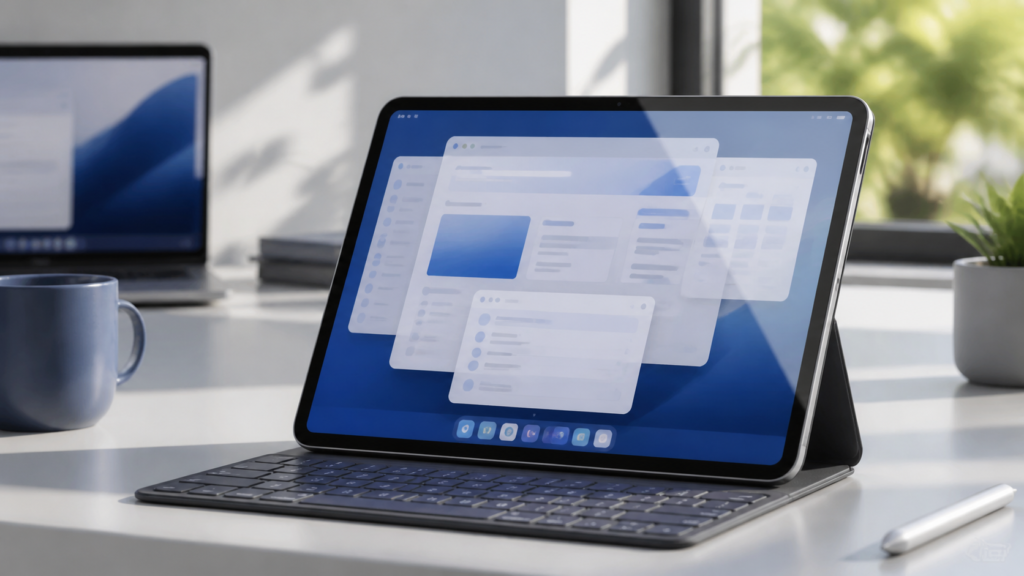
iPadOS 27 features are pushing Apple’s tablet closer to a desktop-style experience without turning it into a Mac. Alongside broader changes such as Siri AI, Visual Intelligence and refined Liquid Glass visuals, the update improves the small productivity details that matter when an iPad is connected to a keyboard, trackpad or external drive.
Apple says iPadOS 27 is coming this fall, while Siri AI is expected in English later in 2026. Because the software is still in beta, individual controls and behaviour may change before the public release.
What changed in iPadOS 27?
Apple’s official iPadOS 27 preview highlights faster performance, smarter Apple Intelligence features, child-safety tools and design refinements. A hands-on beta report from 9to5Mac also points to three Mac-like productivity changes: an active-app name in the status bar, an optional always-visible menu bar and quicker everyday interactions.
These are evolutionary improvements rather than a complete rethink. That is useful: iPad remains touch-first, but common laptop-style workflows should require less guesswork and waiting.
Five iPadOS 27 features that feel more Mac-like
1. The active app is easier to identify
When several windows are visible, it can be hard to know which app will receive a keyboard shortcut. In the current beta, the active app’s name appears near the time and date in the status bar. This mirrors a familiar Mac cue and should reduce accidental commands in the wrong window.
2. The menu bar can stay on screen
iPadOS 26 introduced a menu bar, but it normally had to be summoned. iPadOS 27 reportedly adds a setting under Multitasking & Gestures that lets users stop the menu bar from automatically hiding. Keeping app commands visible can make an iPad with Magic Keyboard or another trackpad keyboard feel more predictable.
3. External-drive work is much faster
Apple says browsing and transferring files between iPad and an external drive can be up to five times faster in its testing. That claim used an M4 iPad Pro, a USB 4 SSD and prerelease software, so results will vary. Even so, faster file handling is meaningful for photographers, video editors and anyone moving large project folders.
4. Window and cursor actions respond more quickly
Apple promises more responsive app launches and broader performance improvements. The beta report specifically notes quicker context menus with a cursor, plus faster window closing, switching and dragging. These changes may sound modest, but reduced input delay is what makes a computer feel dependable during a busy workday.
5. Desktop productivity gains smarter assistance
Siri AI can hold more natural conversations, search personal context and take actions in supported apps. Apple also says Visual Intelligence can answer questions about onscreen content from a screenshot, while Shortcuts will eventually create automations from a plain-language description. Availability depends on device, language and region, and some intelligence functions require newer hardware.
Other useful changes for everyday iPad users
Liquid Glass gets improved contrast and more uniform refraction, plus a slider that adjusts its appearance from clearer to more tinted. Safari can automatically group related tabs and offer Notify Me alerts when supported pages change. The Passwords app can identify weak or compromised passwords and, where supported, help update them.
Parents also get redesigned controls, Time Allowances by app category and Ask to Browse for approving new websites. Communication Safety expands to intervene before children see certain graphic images or videos. These features make iPadOS 27 more than a productivity release.
Which iPads support iPadOS 27?
Apple lists support for iPad Pro with M4 or later, 12.9-inch iPad Pro from the fourth generation, 11-inch iPad Pro from the second generation, recent iPad Air models, iPad from the ninth generation, and iPad mini from the sixth generation. However, compatibility with iPadOS 27 does not guarantee every Apple Intelligence feature. Apple says many intelligence tools require an M1-class iPad or newer, with some advanced capabilities needing more recent chips and memory.
Check Apple’s compatibility list before assuming a headline feature will run on your device. For more beta context, see our iOS 27 Beta 5 guide.
Should you install iPadOS 27 now?
Most people should wait for the public release. Beta software can cause battery drain, app incompatibility, crashes or data loss. If you need to test it, back up your iPad first and avoid installing it on a device required for work, study or travel. Developers and experienced testers should also confirm that essential accessories and professional apps work correctly.
Final thoughts
iPadOS 27 does not replace macOS, but it addresses several friction points that made keyboard-and-trackpad use feel less polished. A visible active app, persistent menu bar and faster files should help the iPad behave more like a mature productivity computer, while touch, Apple Pencil and tablet portability remain central.
FAQs
When will iPadOS 27 be released?
Apple says iPadOS 27 is coming in fall 2026. A precise public release date has not been announced on Apple’s preview page.
Does iPadOS 27 turn an iPad into a Mac?
No. It adds more Mac-like interface and performance refinements, but iPadOS remains a separate, touch-focused operating system.
Can the iPadOS 27 menu bar remain visible?
In the current beta, users can reportedly disable automatic menu-bar hiding in Multitasking & Gestures. The setting could change before release.
Will every compatible iPad get Siri AI?
No. Siri AI and other Apple Intelligence capabilities have separate chip, language and regional requirements beyond basic iPadOS 27 compatibility.
Is the iPadOS 27 beta safe for a main iPad?
It is safer to wait for the public release. Anyone testing the beta should make a current backup and expect possible bugs or app compatibility problems.
Leave a Reply