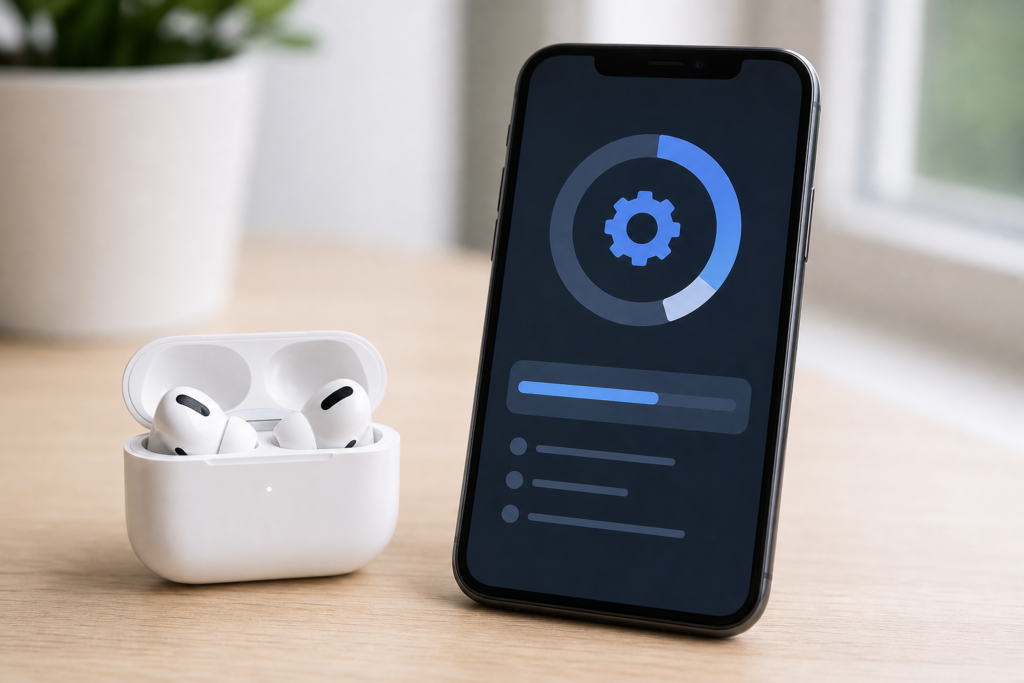
AirPods beta firmware is back in the spotlight after Apple released a new developer build for several AirPods models. The latest reported build, 9A5314b, is tied to Apple’s wider iOS 27 and macOS 27 beta cycle and is mainly aimed at developers who need to test upcoming AirPods features before they reach everyone.
For everyday users, the important question is simple: should you install it now, or wait for the public release? Here is a clear breakdown of what changed, which AirPods are supported, and what iPhone, iPad and Mac users should know before trying beta firmware.
What is AirPods beta firmware 9A5314b?
AirPods firmware is the small but important software that runs on Apple’s wireless earbuds and headphones. It controls features such as pairing, audio modes, noise control, battery behaviour, microphone handling and the way AirPods communicate with iPhone, iPad and Mac.
According to MacRumors and 9to5Mac, Apple’s latest AirPods beta firmware build is 9A5314b. Apple’s own developer beta support page explains that AirPods beta firmware is intended to help Apple Developer Program members develop features on iOS and macOS for AirPods and debug issues through log collection.
Supported AirPods models
Apple’s beta software installation guidance lists the current AirPods beta program as supporting these models:
- AirPods 4 with Active Noise Cancellation
- AirPods 4
- AirPods Pro 3
- AirPods Pro 2 with MagSafe Charging Case (USB-C)
- AirPods Pro 2 with MagSafe Charging Case (Lightning)
- AirPods Max 2
Apple also says users need a device running a beta version of iOS 27 or later, or macOS 27 or later, to install the AirPods beta. That means this is not a normal consumer update through the usual stable software channel.
Why this matters for Apple users
The new AirPods beta firmware matters because Apple is increasingly treating AirPods as a software-driven product. Features are no longer limited to the hardware that shipped on launch day. Apple can adjust listening modes, improve connection behaviour, add new controls and prepare AirPods for features that arrive with major iOS and macOS updates.
Reports say the beta supports upcoming iOS 27-era AirPods changes such as a refreshed AirPods interface, adjustments for Adaptive mode, custom EQ support and compatibility with newer Siri AI features. These features are still in testing, so users should treat them as beta-only until Apple confirms the final public release notes.
Should you install the AirPods beta firmware?
Most people should wait. AirPods beta firmware is useful if you are a developer, app maker, audio tool developer or advanced tester who already runs iOS or macOS beta software. For everyone else, stable firmware is safer.
Beta firmware can include bugs, battery drain, connection issues or changes that are not final. Apple also warns that once AirPods beta firmware is installed, it cannot be manually removed. Your AirPods will move back to normal public firmware only when a later non-beta version becomes available.
How this affects iPhone, iPad and Mac users
If you use AirPods every day for work calls, commuting, gym sessions or travel, beta firmware is probably not worth the risk. A small Bluetooth or microphone bug can quickly become annoying when AirPods are part of your daily routine.
However, if you already test Apple beta software, this release is worth watching. It shows where Apple may be heading with AirPods in the next major software cycle. AirPods are becoming more integrated with iOS, iPadOS and macOS, especially around smarter controls, personalised audio and AI-assisted experiences.
If you are exploring iOS beta software more broadly, you may also find our guide on whether to install the iOS 27 public beta useful before updating your main iPhone.
Action checklist before installing
- Use a secondary iPhone or Mac if possible.
- Make sure your iPhone or Mac is already on the required beta software.
- Do not install beta firmware on AirPods you rely on daily.
- Read Apple’s official beta installation instructions first.
- Expect bugs and avoid treating beta features as final.
Final thoughts
AirPods beta firmware 9A5314b is a useful sign of Apple’s next wave of AirPods improvements, especially for users following iOS 27 and macOS 27 features. Still, this is best viewed as developer software, not a must-have update for regular users.
If your AirPods are working well, wait for Apple’s stable firmware release. If you are a developer or serious beta tester, install only after reading Apple’s guidance and accepting that beta firmware can behave unpredictably.
FAQs
What is the latest AirPods beta firmware build?
The latest reported developer beta build is 9A5314b for supported AirPods models.
Can everyone install AirPods beta firmware?
No. It is intended for Apple Developer Program members and users running compatible beta software such as iOS 27 or macOS 27.
Can I downgrade AirPods beta firmware?
Apple does not provide a manual downgrade option. AirPods return to public firmware when a later stable version becomes available.
Should normal users install it?
Most users should wait for the public firmware release because beta firmware can include bugs or battery and connection issues.
Leave a Reply