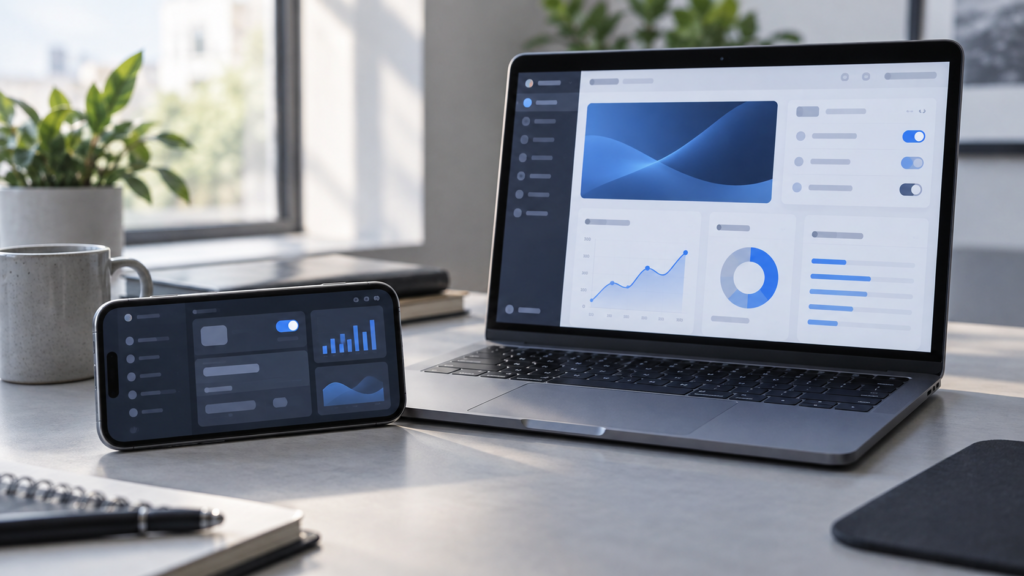
TestFlight 4.4.0 is now available, giving iPhone beta testers two practical display improvements: landscape orientation and resizable iPhone Mirroring on supported Macs. Apple released the update on 24 September 2026, alongside stability improvements and bug fixes.
The changes may sound modest, but they remove friction for people testing games, video apps, dashboards and other software designed to work horizontally. Developers also gain a more flexible way to watch and interact with an iPhone build from a Mac.
What changed in TestFlight 4.4.0?
Apple’s official App Store release notes list three changes:
- Landscape orientation on iPhone: TestFlight itself can now be used horizontally, making it more comfortable when the beta app or testing setup is already in landscape.
- Resizable iPhone Mirroring on Mac: On devices running operating system version 27 or later, the mirrored iPhone window can be resized. Apple notes that iPhone Mirroring availability depends on the country or region.
- Stability improvements and bug fixes: Apple does not identify individual fixes, so users should not assume a particular issue has been resolved without testing it.
The update is available through the TestFlight listing on the Australian App Store.
Why TestFlight landscape mode matters
Landscape support makes the testing workflow more consistent. If you are checking a racing game, media player, presentation tool or an iPad-style interface on iPhone, you no longer need to rotate back to portrait simply to move through TestFlight.
It can also help testers who use a stand, controller or external keyboard with their iPhone. Keeping the device in one orientation reduces interruptions and makes repeated install-test-feedback cycles feel more natural.
Landscape support does not automatically improve a beta app’s own rotation behaviour. Developers still need to declare supported orientations and test layouts across different screen sizes, Dynamic Type settings and accessibility configurations.
How resizable iPhone Mirroring helps developers
Resizable iPhone Mirroring can be useful when TestFlight builds are tested beside Xcode, design files, issue trackers or crash reports. A smaller window leaves more room for development tools, while a larger view makes interface details easier to inspect during a review call or demonstration.
The requirement for version 27 or later means both the iPhone and Mac should be updated to compatible current software. Regional availability also applies. If the feature does not appear, check software versions, ensure both devices meet Apple’s iPhone Mirroring requirements and confirm that the service is available in your region.
For readers following Apple’s latest development tools, our earlier guide to Xcode 27 and TestFlight support provides additional background on preparing beta builds.
How to update and use TestFlight 4.4.0
- Open the App Store on your iPhone.
- Tap your profile picture and review available app updates.
- Update TestFlight, or open its App Store page and tap Update.
- Launch TestFlight and confirm the version is 4.4.0.
- Turn the iPhone sideways to use the new landscape layout.
- For iPhone Mirroring, open the feature on a compatible Mac and resize the window as needed.
If you are testing an important beta, read the developer’s “What to Test” notes first. Beta software can be unfinished, may contain bugs and should not be relied on for essential work or irreplaceable data.
What testers should know about privacy and feedback
TestFlight lets developers invite people by email or a public link. Apple says developers can have up to 100 internal testers and up to 10,000 external testers. External builds generally go through TestFlight App Review before distribution.
When you test a beta, Apple may collect crash logs, usage information and feedback you choose to submit, then share relevant information with the developer. Review the beta’s description and privacy information before joining, especially when testing apps that handle health, finance, location or personal communications.
Useful feedback should explain what you were doing, what you expected, what happened and whether the problem can be repeated. A marked-up screenshot can help, but remove private information before submitting it.
Should you install the TestFlight update?
Yes, if you use TestFlight regularly. Landscape support and resizable mirroring are quality-of-life improvements, while the unspecified stability fixes are another reason to stay current. The update is especially relevant to developers, game testers and anyone reviewing horizontal iPhone interfaces.
If you do not test beta apps, you do not need TestFlight at all. It is a beta-distribution tool, not a required iPhone system component.
Final thoughts
TestFlight 4.4.0 is a focused update rather than a major redesign. Its value is straightforward: testers can keep an iPhone horizontal, and supported Mac users can fit a mirrored iPhone more comfortably into their desktop workflow. Those small changes should make beta testing faster and less awkward.
FAQs
What is the latest TestFlight version?
Apple released TestFlight 4.4.0 on 24 September 2026.
Does TestFlight now work in landscape on iPhone?
Yes. Version 4.4.0 adds landscape orientation support to the TestFlight app on iPhone.
Can I resize iPhone Mirroring on my Mac?
TestFlight 4.4.0 supports resizing with iPhone Mirroring when devices use operating system version 27 or later. The feature is limited to supported countries and regions.
Is TestFlight safe to use?
TestFlight is Apple’s official beta-testing service, but the apps distributed through it are unfinished. Back up important data, review permissions and avoid depending on a beta app for critical tasks.
How many external testers can a developer invite?
Apple says developers can invite up to 10,000 external testers through TestFlight.
Sources: Apple Developer release notice, Apple’s TestFlight overview, and the App Store release notes.
Leave a Reply