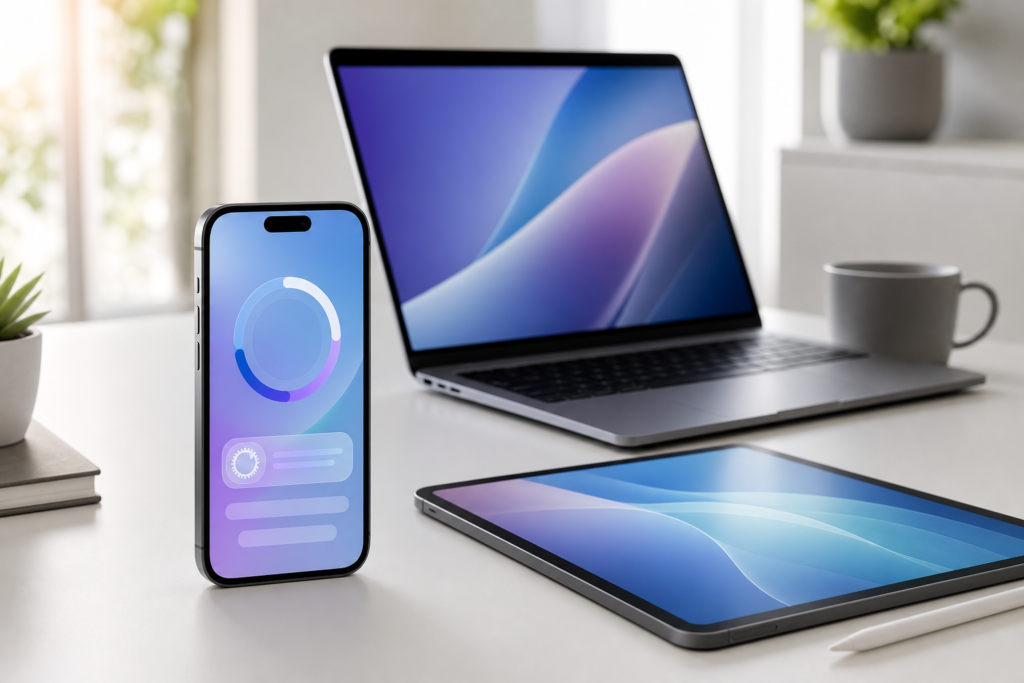
Apple has released iOS 26.6 beta 3 and iPadOS 26.6 beta 3 to developers, giving app makers and early testers another preview of the next iPhone and iPad software update. Apple’s developer releases page lists iOS 26.6 beta 3 with build number 23G5052d, dated June 29, 2026, alongside matching beta releases for the rest of Apple’s platforms.
For everyday iPhone users, this is not a must-install update today. It is still beta software, which means it is mainly intended for developers who need to test apps before the public release. But it is still useful to understand what Apple is preparing, especially if you rely on your iPhone or iPad for work, banking, travel, photography, or everyday communication.
What is iOS 26.6 beta 3?
iOS 26.6 beta 3 is the third developer beta of Apple’s upcoming iOS 26.6 update. Developer betas are early versions of software that Apple provides before a broader release. They allow developers to check app compatibility, fix bugs, test performance, and prepare updates before millions of iPhone users install the final version.
Apple has not positioned iOS 26.6 as a major feature release like a full annual iOS upgrade. Based on Apple’s beta release notes and the timing of this update, it appears to be a refinement-focused release. That usually means bug fixes, reliability improvements, security-related updates, and smaller changes that make the system more stable before public rollout.
Why iOS 26.6 beta 3 matters for iPhone users
Even if you never install beta software, iOS betas matter because they show what is coming next. A third beta often suggests Apple is moving through the testing cycle and getting closer to a more polished release. Developers can use this stage to find issues in apps, while Apple can collect feedback before the update reaches regular users.
For iPhone and iPad owners, the practical takeaway is simple: iOS 26.6 is likely to be the kind of update that improves the experience behind the scenes. These releases may not always bring headline features, but they can still be important for battery performance, app stability, connectivity, accessibility, and overall reliability.
Key details in the latest iOS 26.6 beta
Developer testing is the main focus
Apple’s official release listing describes iOS 26.6 beta 3 as a developer release, with downloads and release notes available through the Apple Developer website. That means it is aimed at registered developers and technically confident testers, not the average user’s main iPhone.
iPadOS 26.6 beta 3 is also available
The update is not limited to iPhone. Apple has also made iPadOS 26.6 beta 3 available, so iPad app developers can test layouts, multitasking behaviour, accessory support, and app performance on Apple’s tablet platform.
No major consumer feature has been highlighted
At this stage, there is no official sign that iOS 26.6 beta 3 introduces a major new consumer-facing iPhone feature. That is not a bad thing. Many point releases are designed to clean up bugs, strengthen compatibility, and prepare the operating system for a smoother public update.
How this affects iPhone and iPad users
If you are using a regular iPhone, you do not need to do anything immediately. The safest option is to wait for Apple’s public release, then install it from Settings > General > Software Update after backing up your device.
If you are a developer, the update is worth testing against your apps, especially if your app depends on notifications, widgets, camera features, subscriptions, in-app purchases, Bluetooth accessories, or iPad multitasking. Small platform changes can sometimes reveal compatibility issues before users notice them.
If you are a public beta tester, consider whether your device is essential. Installing beta software on a spare iPhone or iPad is much safer than installing it on your main device. Betas can affect battery life, app reliability, banking apps, health accessories, and other everyday tools.
Should you install iOS 26.6 beta 3?
Most people should not install iOS 26.6 beta 3 on their primary iPhone. Unless you are a developer or an experienced tester, waiting is the better choice. Beta updates can be stable one week and frustrating the next, and rolling back to a previous version may require erasing the device.
If you do decide to test it, back up your iPhone or iPad first. Use iCloud Backup or a computer backup through Finder on Mac. Make sure important photos, messages, authenticator apps, and work files are safely stored before installing any beta.
How to prepare for the final iOS 26.6 update
There are a few simple steps iPhone users can take now:
- Keep at least several gigabytes of free storage available.
- Update important apps from the App Store.
- Back up your iPhone before installing future iOS updates.
- Check battery health if your device is older.
- Wait a day or two after release if you prefer to avoid early bugs.
You can also follow Apple’s official developer releases page and iOS release notes if you want technical details as the beta cycle continues.
Final thoughts
iOS 26.6 beta 3 looks like a steady progress update rather than a flashy feature drop. That makes it more relevant to developers today, but still important for regular iPhone and iPad users because it points to Apple’s next public software release. For most people, the smart move is to wait for the final version, back up first, and update once Apple makes it generally available.
FAQs
Is iOS 26.6 beta 3 available for everyone?
No. It is currently a developer beta release. Regular users should wait for the public beta or final public release unless they are comfortable testing unfinished software.
Is iOS 26.6 beta 3 safe to install?
It may work well for some testers, but it is still beta software. It can include bugs, battery issues, or app compatibility problems, so it is best installed on a spare device.
Does iOS 26.6 beta 3 add new iPhone features?
Apple has not highlighted a major new consumer feature in this beta. The update appears focused on testing, stability, compatibility, and refinements.
Should I back up before installing iOS 26.6?
Yes. Always back up your iPhone or iPad before installing beta software or a major system update.
Where can developers check Apple’s official release notes?
Developers can check Apple’s official release information on the Apple Developer releases page and the iOS & iPadOS 26.6 release notes.
Leave a Reply